ES File Explorer
ES File Explorer is an easy way of managing your Android device

Safe & Secure
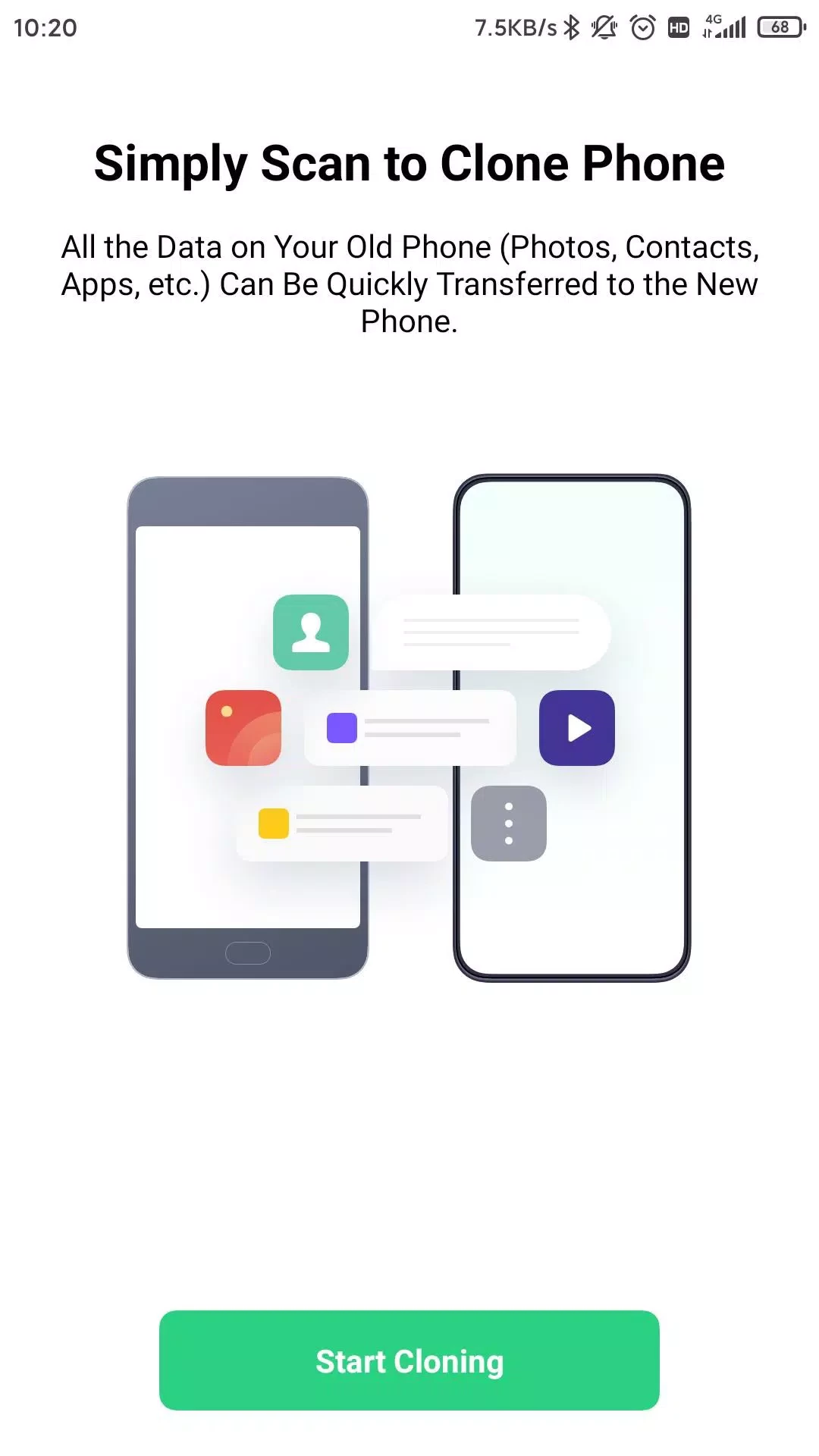
OPPO Clone Phone is a simple yet efficient data transfer tool from one device to another, specifically designed for OPPO devices, but it also supports other brands. The app makes the transfer process quick and safe while offering awesome compatibility with multiple file formats and security features.
The lightweight utility requires an internet connection without any additional requirements, such as a PC, cable, etc. You can transfer your entire data within seconds, and transfer data between two brands; you have to use the QR code scanning process without an internet connection. if its not working on your devices then try alternative apps search on Google Play Store.
OPPO Clone Phone is the fastest data switching productivity tool, developed by ColorOS officially for OPPO mobiles. It offers a quick, simple, and hassle-free file-sharing process without requiring any extra service. Within a few clicks, you are capable of sending your multimedia files, apps, contacts, installed apps, documents, and even your entire chat history of messaging apps such as WeChat, QQ, etc to your new phone.
It not transfer data from OPPO devices, but also integrates multiple other Android brands, including Realme, OnePlus, etc, and you can even transfer data from an iOS device as well. It is free to use and serves both online and offline.
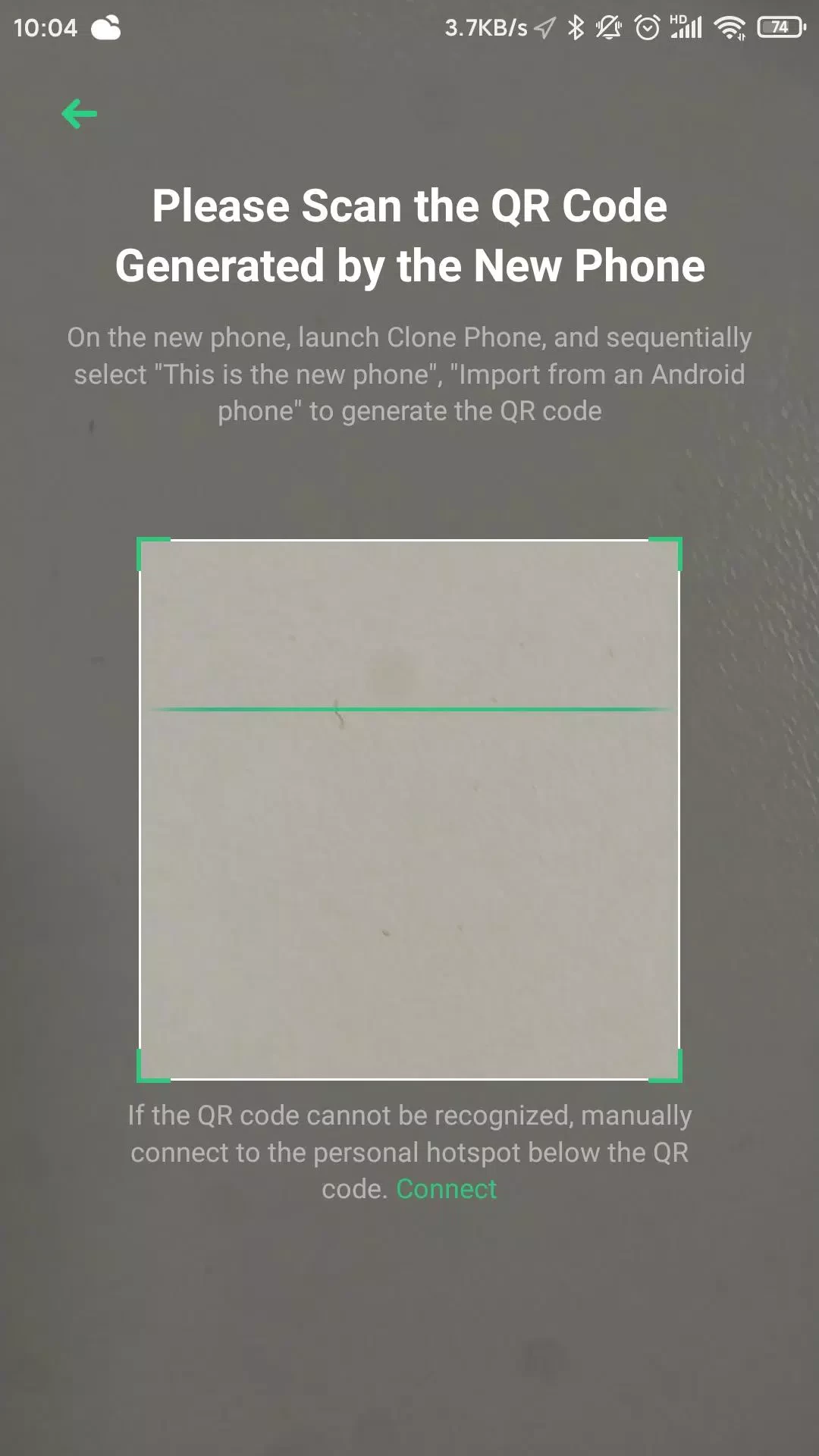
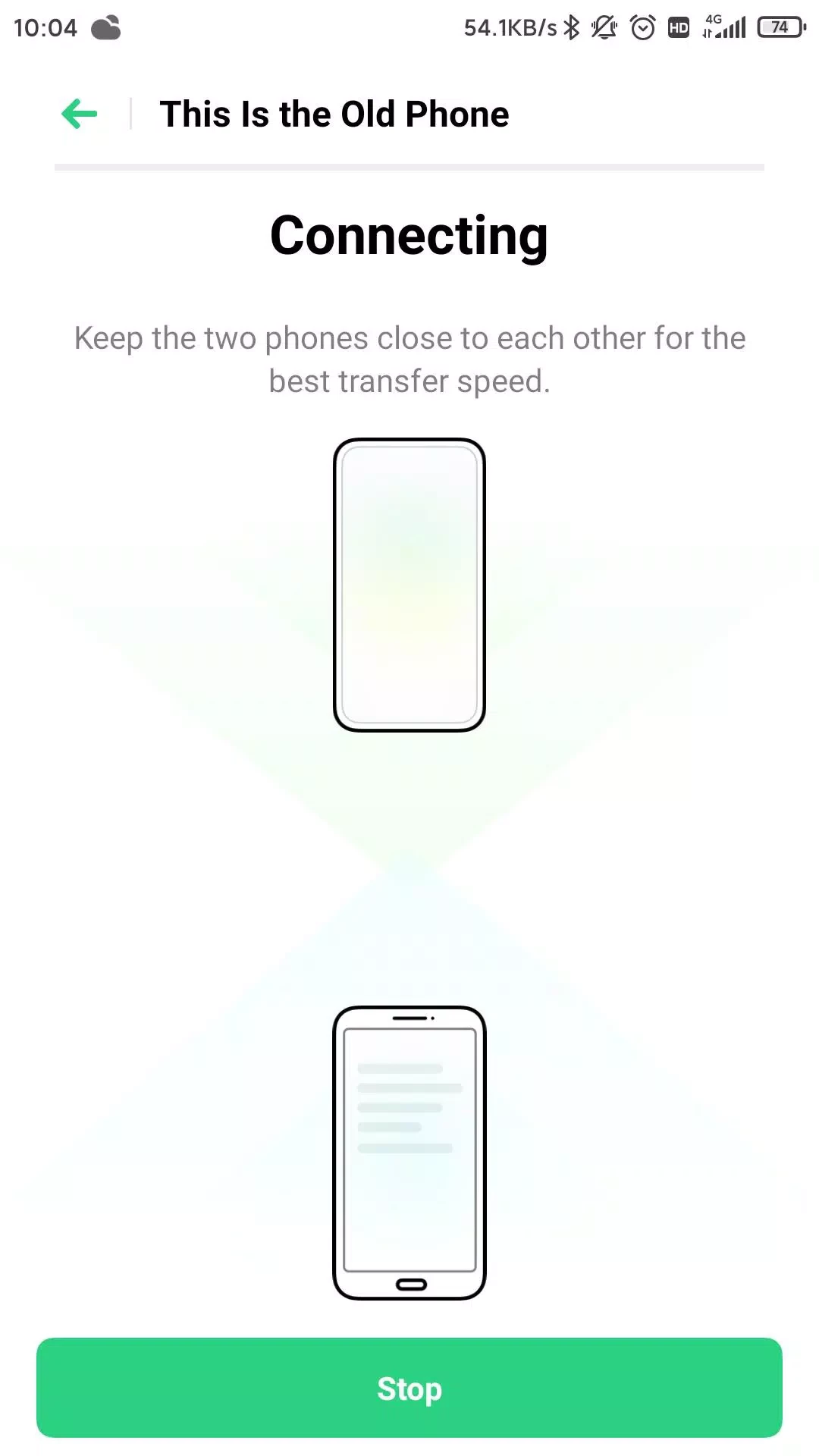
No need for complicated setups, instead a simple user-friendly interface offers quick navigation to the features. You have to make sure that the app is installed on both devices, and both have the same internet connection, as the app utilizes the direct internet connection. Open the app on both devices, and select “New phone” and “old phone” options. Next, select the phone type you are using from the given options, scan the QR code from your new phone, and let the app handle everything.
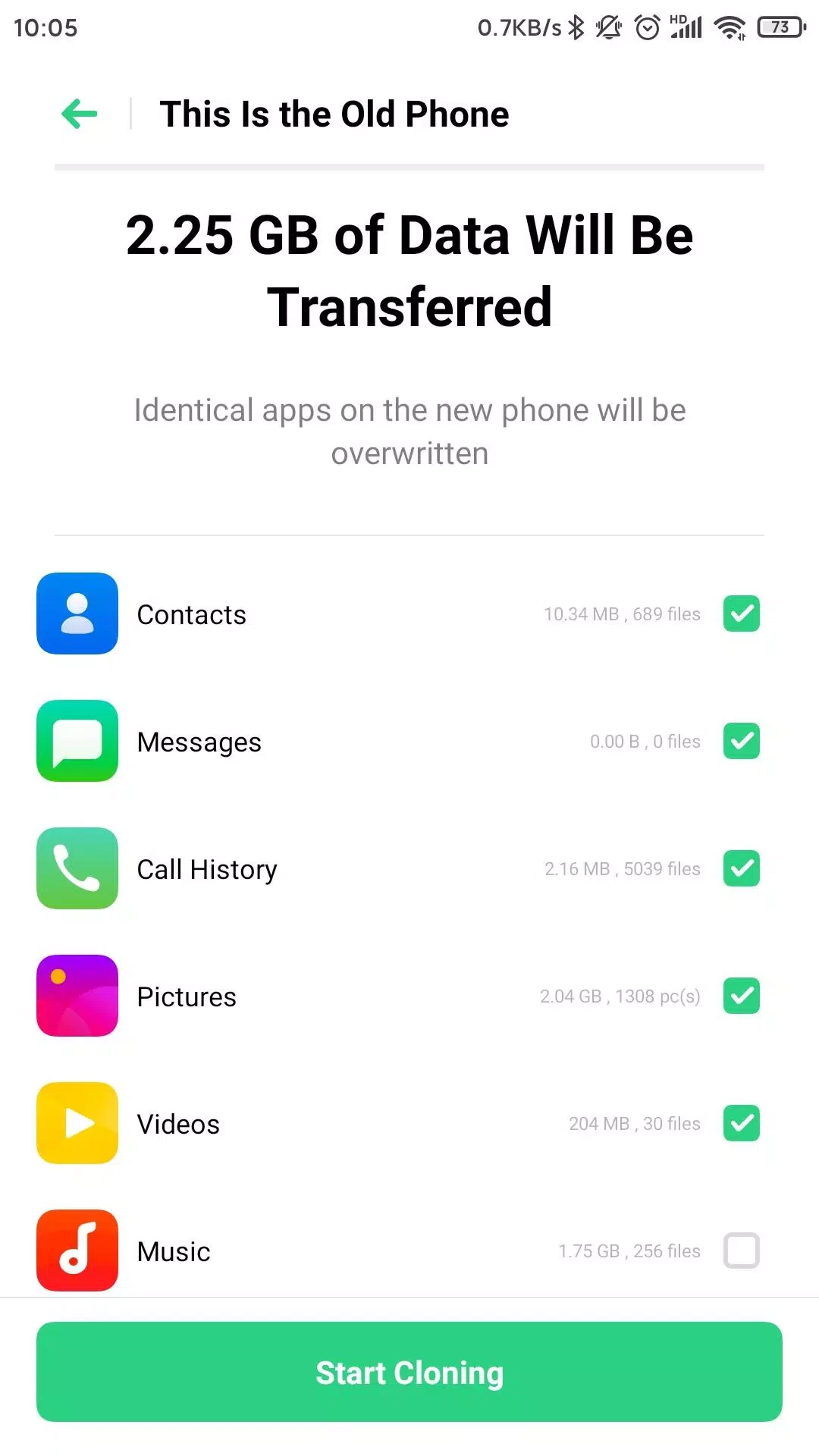
When we talk about the type of data to transfer, it ensures the transfer of every bit of material from one device to another, such as photos, audios, videos, documents, contacts, call history, messages, and so on. It doesn’t stop here, as it helps to transfer data from system applications, installed apps, even chat records of multiple messaging apps, including WeChat, QQ, etc., no need of manually configuration; instead, migrate your digital life while switching devices. It also preserves the old device layouts to give a completely familiar look to your new device.
In case of finding any complication while using the app, you can get rid of it while viewing the YouTube and TikTok videos, or simply navigating to the official website developed by “ColorOS”, the developer of the app. Here, you can ask questions, get quick responses, and even get alerts if any new update is expected.
As we aforementioned, the app utilizes the direct Wi-Fi connection for connecting the devices, so there is no need for an active internet connection to transfer data. So, no need of bearing your mobile data, instead, it generates a QR code, and starts sending data from the device to another. It is the best solution for users with limited or expensive data plans or travelers in an area with a poor network connection.
Privacy and security are the most important priorities, even for the user and the app itself. So, it doesn’t use any external server or networks, instead offering a complete encrypted data transfer process, ensuring your sensitive and private data transfer will remain safe and inaccessible for any unauthorized access.
The app is basically designed for OPPO Android devices, but it isn’t limited to them; instead offers support for multiple other devices manufactured by various brands such as OnePlus, Realme, Infinix, and so on. This flexibility and versatility allow users in the Android ecosystem to transfer data without any limitation of specific model, old or new phone as well.
The efficient and reliable data transfer process is one of the major functionalities. It supports large file transfer without any delay, with complete step-by-step guidance throughout the process. The robust capabilities make sure the reliable management for data transfer, even for users with less tech-savvy skills. In addition, you do not need to use any additional hardware or software to streamline the entire process, as there is no requirement of connecting your devices through a computer or a cable.
Pros
Cons
ES File Explorer is an easy way of managing your Android device

SHAREit is the seamless sharing of data between multiple devices

Xender is a data transfer app. its working with all supporting devices like Android phones.

Zapya offers a multiple-file sharing process across multiple devices.

EasyShare cross-platform and ad-free tool to offer blazing-fast file transfers

Send Files to TV to transfer files between multiple devices wirelessly over a local network